

Understanding plans and billing
Bloop prices by results. Your plan follows the attributed revenue your referral and affiliate programs bring in over the last 30 days, so you start free and pay only once the programs are making you money. Every plan, Free included, has unlimited orders and almost every feature.
The plans
Section titled “The plans”| Plan | Price | Attributed revenue per 30 days |
|---|---|---|
| Free | $0 | Up to $400 |
| Starter | $39/month | Up to $2,500 |
| Growth | $149/month | Up to $10,000 |
| Pro | $449/month | Up to $40,000 |
| Enterprise | Custom pricing | Over $40,000, or several stores |
Paid plans also come yearly, at 20% off: choose Annual (save 20%) on the Pricing plans page. For example, a store with $1,000 attributed revenue pays $39 per month.
Every plan includes unlimited referral and affiliate orders, discount, store credit and cash rewards, a branded referral page, widget and portal, a custom domain and email sender address, data import, fraud prevention, A/B testing and the Analytics reports.
Paid plans add the Klaviyo and Mailchimp integrations, the API and webhooks, and priority support.
What counts as attributed revenue
Section titled “What counts as attributed revenue”Attributed revenue adds up two things over the last 30 complete days in your store’s time zone:
- Referral program: orders from referred customers and their repeat orders, counted the same way as in Analytics.
- Affiliate program: affiliate sales that are pending, approved or paid.
Orders are counted after discounts and refunds, and each is converted to USD at the average exchange rate of the month it was placed. Test and cancelled orders don’t count. Today’s orders are counted in tomorrow’s update.
To see where you stand, open Pricing plans in the app menu. Usage overview shows your Attributed revenue (last 30 days), how close it is to your plan’s limit, and the split between the two programs. Plan usage on Home shows the same in short.
When your revenue passes your plan’s limit
Section titled “When your revenue passes your plan’s limit”Bloop measures revenue once a day. Nothing is charged automatically:
- When your revenue passes your plan’s limit, Bloop asks you to approve the plan your revenue now needs. A banner says Approve the … plan to keep your program running, with the days left, and you get reminder emails.
- You have 30 days to approve. In the last 3 days the banner turns red and gives the date your programs will pause.
- Click Approve in the banner, or Upgrade on the plan card, and approve the charge in Shopify. Paid plans have no free trial.
If your revenue falls back under your limit before the 30 days are up, the request is cleared and nothing changes.
Bloop never moves you to a cheaper plan on its own when revenue falls. To change plan, click Switch on another plan card:
- Moving to a higher plan applies right away.
- Moving to a lower paid plan may start from your next billing cycle.
- Moving to Free turns off integrations. Your programs keep running and your settings are kept.
- An annual plan is paid up front and can’t be refunded or switched to Free in the app. To stop the renewal, contact support.
Above $40,000 a month you stay on Pro and nothing is paused. Contact us opens a chat with our team about pricing for your volume or for several stores.
Older plans
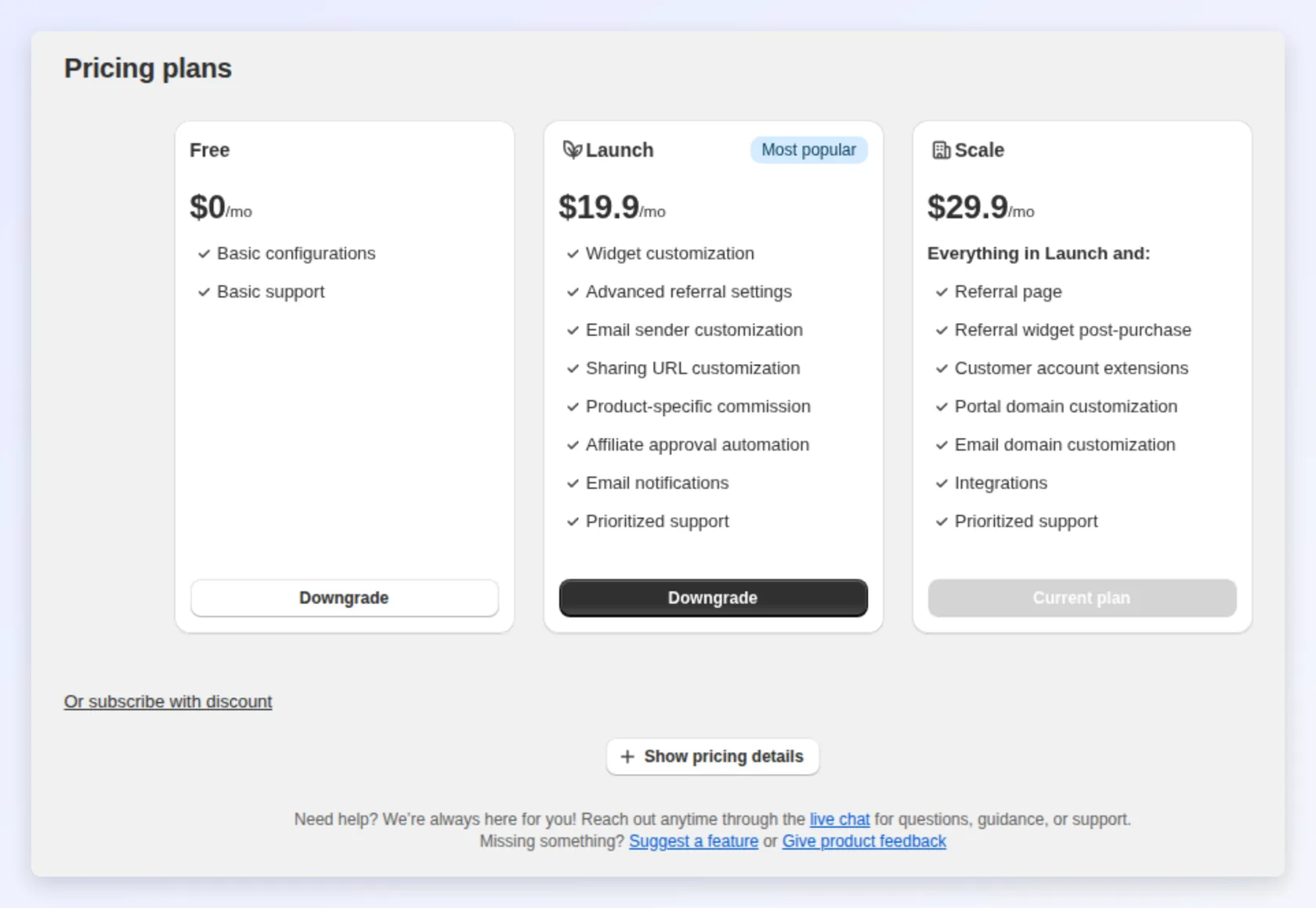
Section titled “Older plans”Stores that subscribed before the current plans may still be on Premium, Launch or Scale. Those plans keep working as before and aren’t charged by revenue. If you cancel one, or uninstall and reinstall Bloop, your store moves to the current plans, starting on Free. The older Free plan includes 10 referral orders and 10 affiliate orders in total, and a store still on it sees a Free plan usage card on Pricing plans. The current Free plan has no order limit.
Related
Section titled “Related”- FAQs - quick answers on pricing and plans
- How to read your referral analytics - attributed referral revenue in detail
- Understanding general settings - store-wide settings