

How to launch a referral program
A referral program turns your happiest customers into a sales channel: they recommend you to people who trust them, and you reward both sides for it. Bloop programs are two-sided — a referrer shares a link or code, a referee uses it to claim a discount, and once the referee completes a qualifying purchase, the referrer earns their reward. Nothing is paid out for a share alone; the program only rewards real revenue.
1. Enable the app embed

Section titled “1. Enable the app embed”Bloop displays its referral widget through a Shopify theme app embed, so the program appears on your live storefront without editing theme code.
- In your Shopify admin, open Online Store → Themes and click Customize on your live theme.
- Open App embeds in the theme editor and toggle on BLOOP Refer & Aff.
- Save. The referral widget now renders on your storefront so customers can join and share.
2. Create a campaign
Section titled “2. Create a campaign”A campaign holds the rules that decide who can refer, what rewards are issued, and when. Think of it as the single contract behind your program.
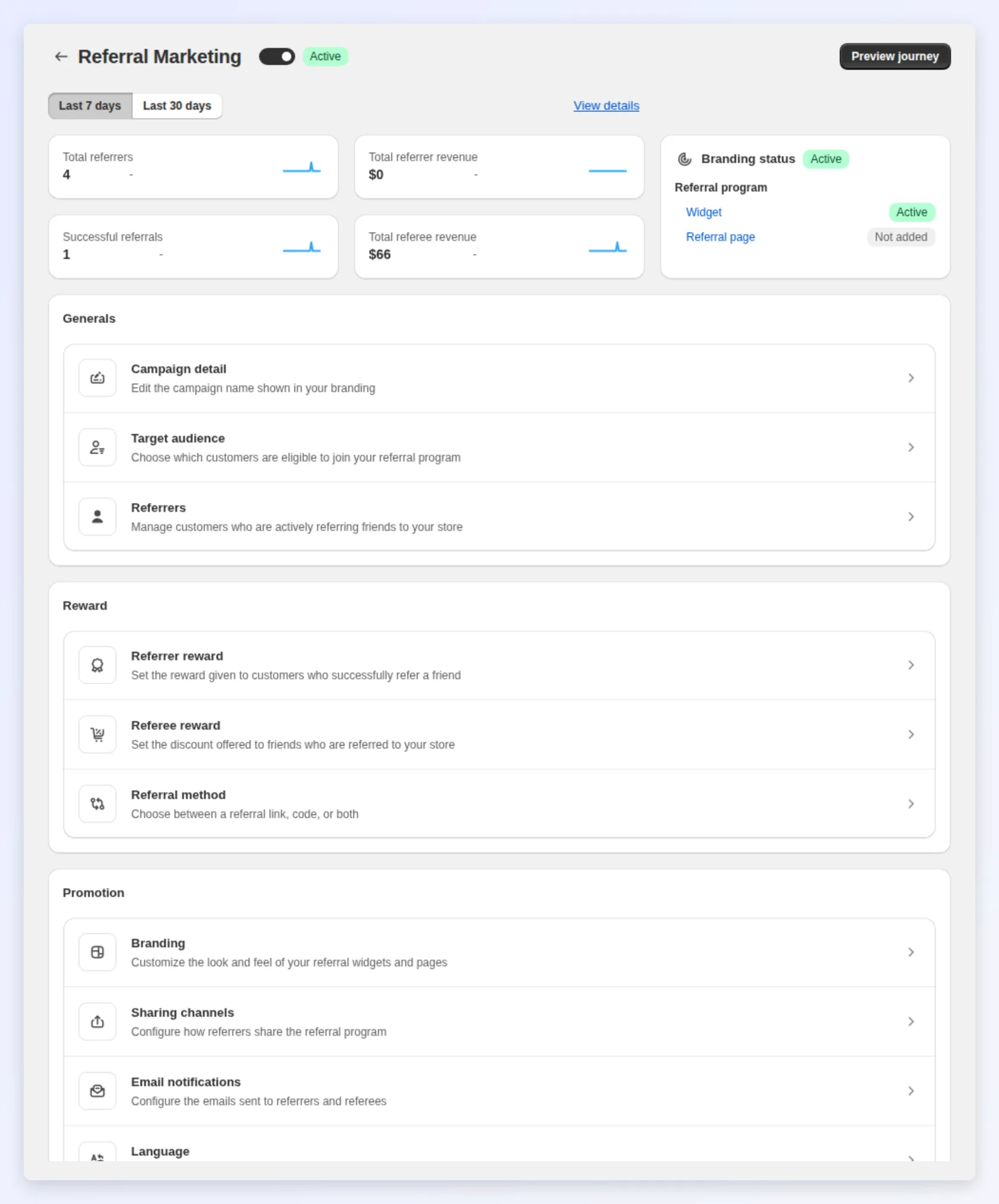
- In the Bloop dashboard, open the Campaigns tab and create a new referral campaign.
- Under Target audience, choose who can become a referrer: All customers, Members (logged-in customers only), or Customer segments you build in Shopify, such as customers with a tag or with prior orders.
- Give the campaign a clear name so you can find it later.
For the full reasoning behind each audience choice, see Set your referral target audience.
3. Set the referrer and referee rewards
Section titled “3. Set the referrer and referee rewards”Each side of the referral gets its own reward, and the balance between them is what makes a program convert.
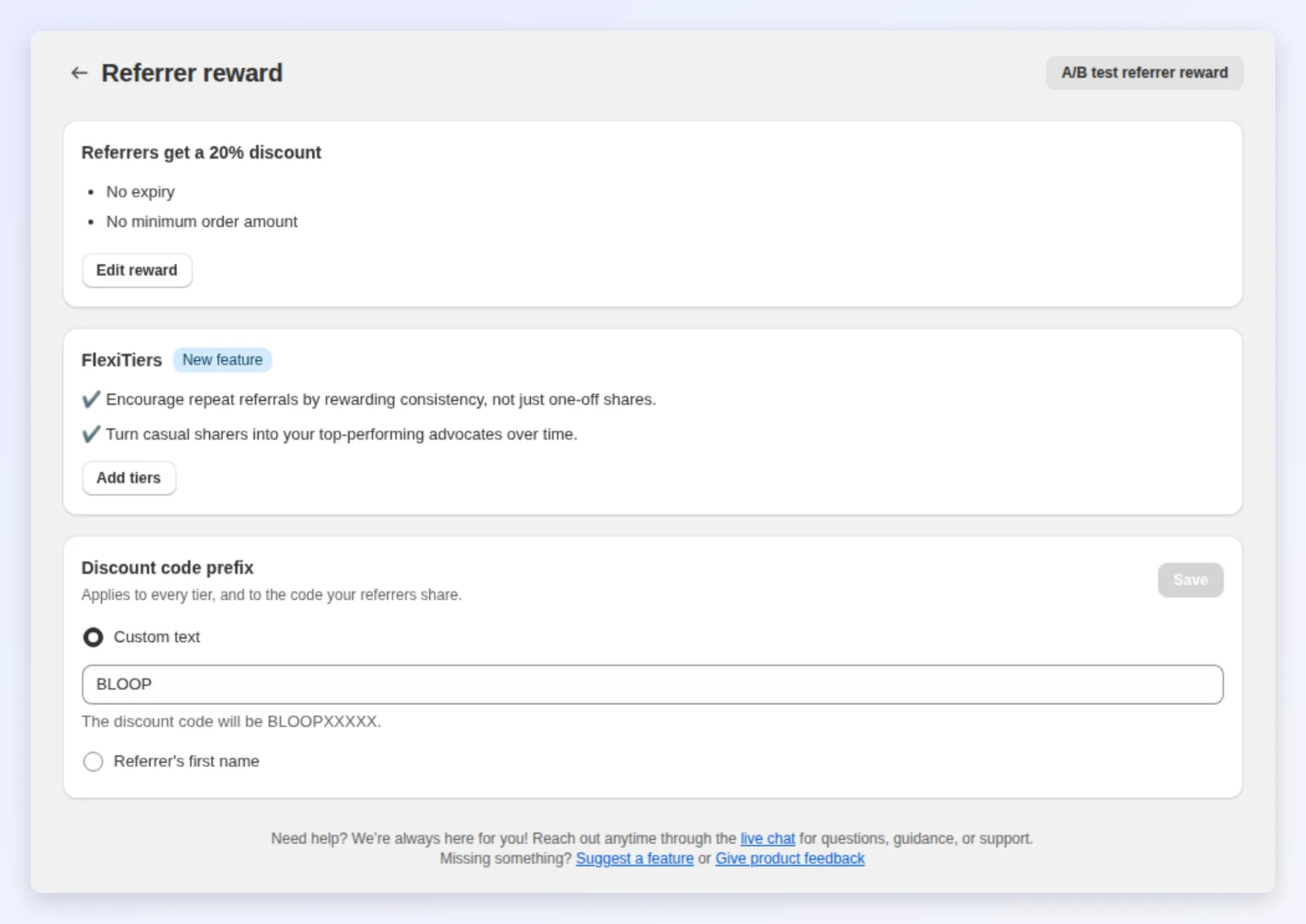
- Referee reward: the incentive a new customer receives for using a referral link or code, either a discount coupon or a free product on their first order.
- Referrer reward: what the existing customer earns after their referee makes a qualifying purchase. Choose one of five types:
| Reward type | How it works |
|---|---|
| Discount coupon | A Shopify discount code, fixed amount or percentage |
| Store credit | Credit applied directly to the customer’s Shopify account |
| Free product | One or more products you pick, given free on a later order |
| Cash | Tracked in Bloop; you process the payout manually |
| Custom | A reward you describe yourself (a gift, swag, a service), held as Pending for you to approve and fulfil by hand |
You can also require a minimum order value, a minimum number of items, or a referee threshold before a referrer reward is issued. For how each option behaves, see Set up referrer and referee rewards.
4. Brand your program
Section titled “4. Brand your program”Give the program a presence on your store before you launch. Two surfaces matter most:
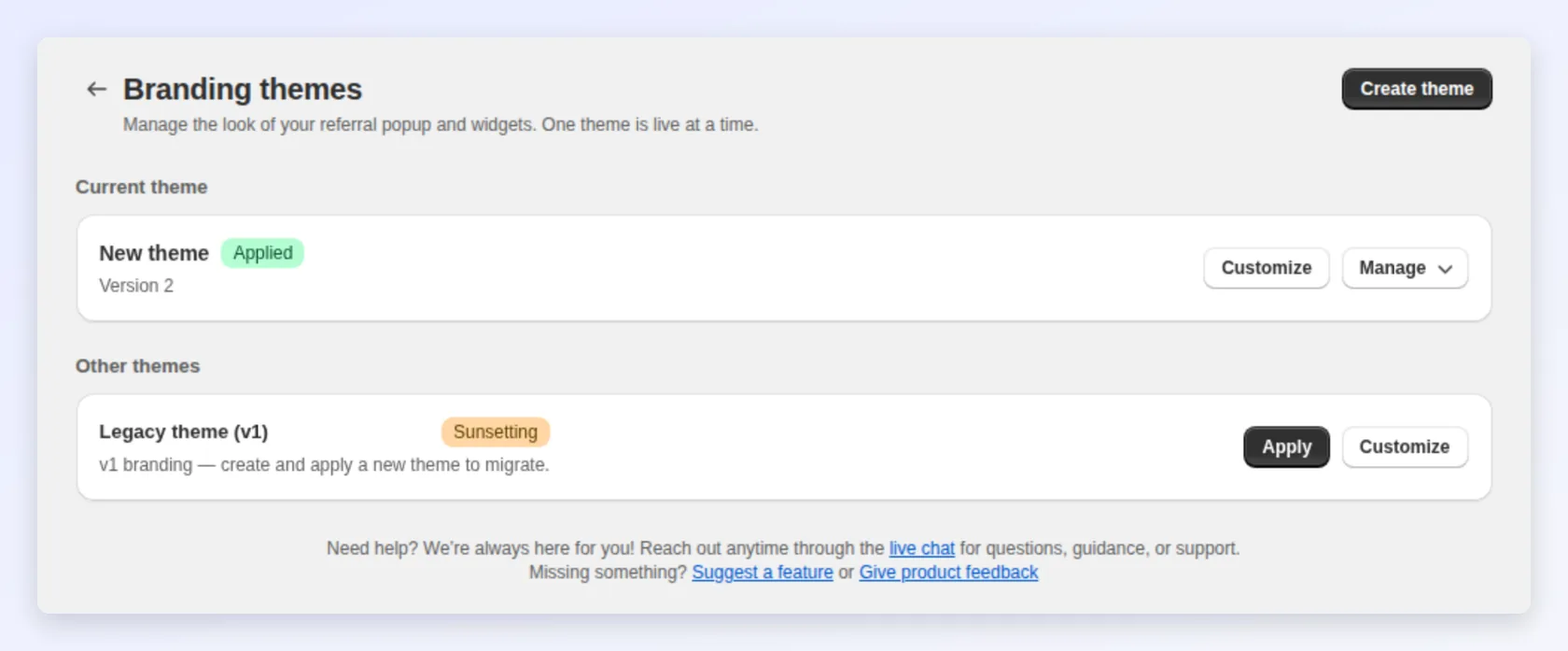
- Referral page — a dedicated landing page you can link from your menu, footer, or newsletter. See Set up and brand your referral landing page.
- Post-purchase popup — the highest-converting moment, right after checkout. See Customize the post-purchase referral popup.
5. Choose your sharing channels
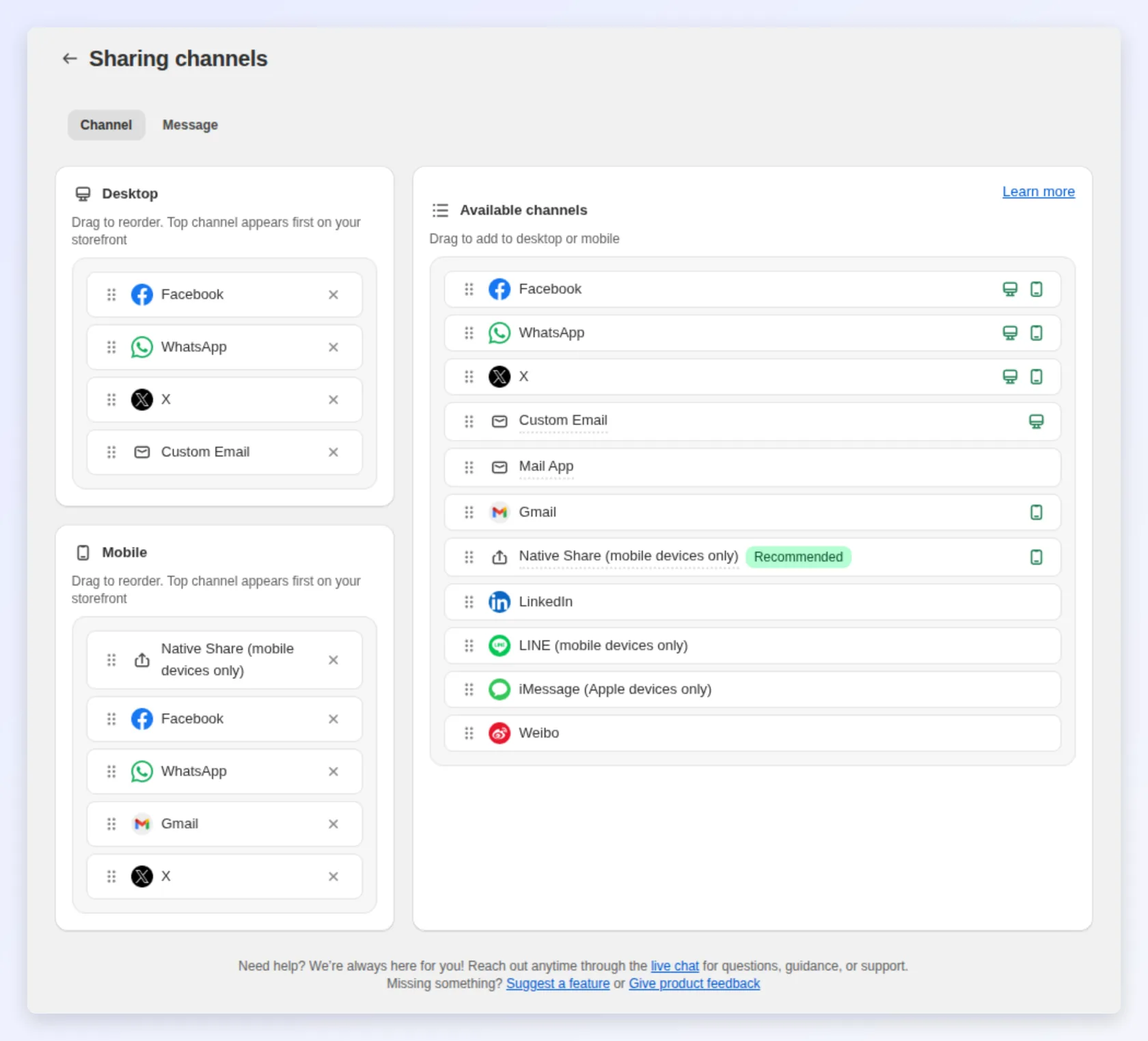
Section titled “5. Choose your sharing channels”Decide which channels referrers can share through — WhatsApp, Native Share, email, X, Facebook — and in what order, separately for desktop and mobile. See Configure referral social sharing channels.
6. Launch
Section titled “6. Launch”When your campaign, rewards, branding, and sharing channels are set:
- Review the campaign settings one last time.
- Set the campaign status to active to start tracking referrals.
- Confirm the widget appears on your live storefront.
Your referral program is now live. New referrals, rewards, and activity will appear in the Bloop dashboard as customers start sharing — use that data to refine your offer over time.