

How to create and configure a referral campaign
Your campaign is the strategy behind your referral program, written as rules: who can refer, what each side earns, how people share, and when a reward lands. You can have up to five campaigns in your store (inactive ones count toward the limit), each with its own audience, rewards, sharing methods, branding and emails. Manage them from the Campaigns tab.
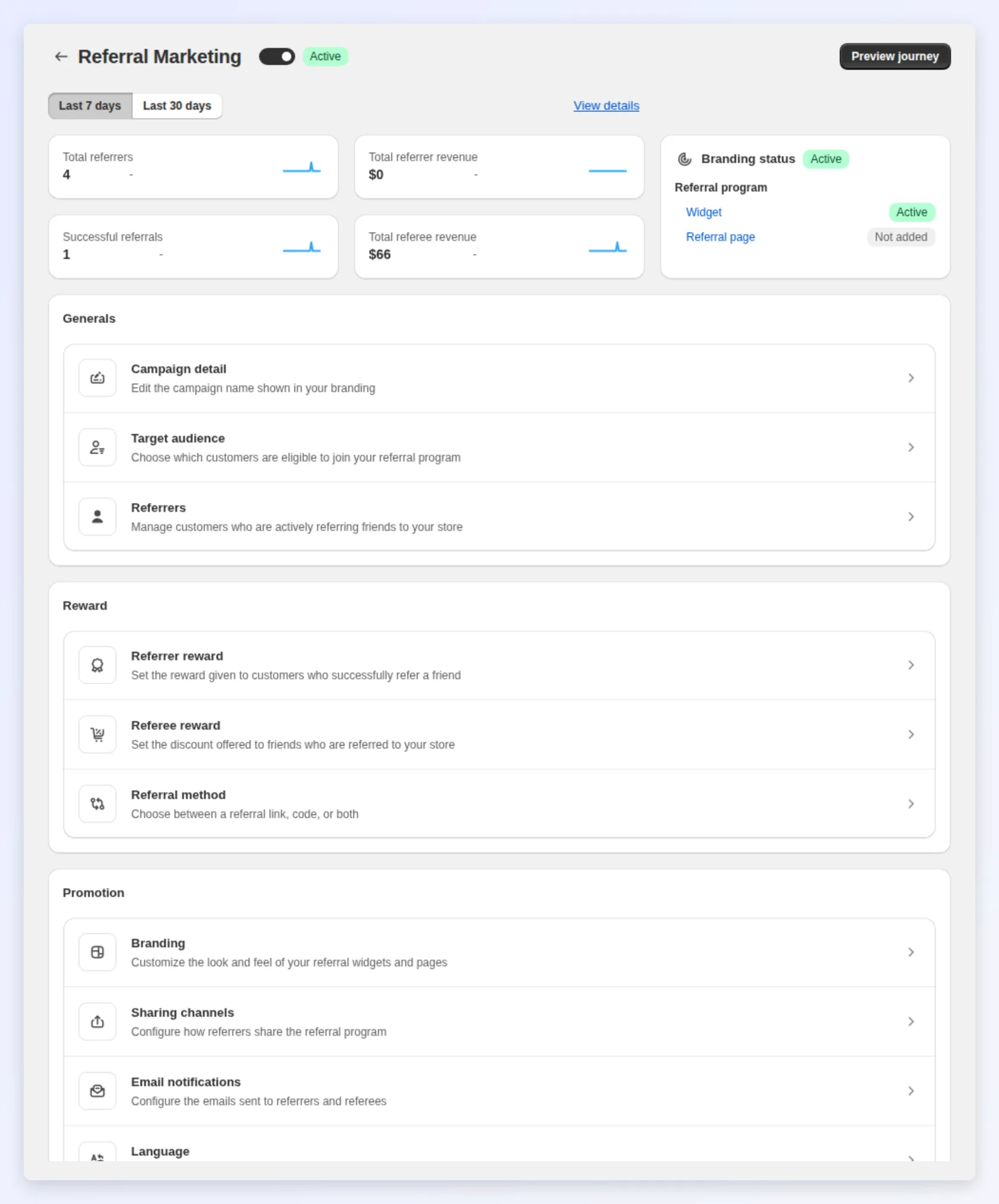
What a campaign controls
Section titled “What a campaign controls”- Who can refer — see Target audience.
- What both sides earn — see Referrer and referee rewards.
- How referrers share — see Referral methods.
- When rewards are issued — minimum requirements, review period, and expiry, inside the rewards sections.
- How it looks — the branding theme applied to the campaign’s popup and widgets, see Branding themes.
The four decisions, side by side
Section titled “The four decisions, side by side”| Decision | Wider / more generous | Tighter / leaner |
|---|---|---|
| Who can refer | More reach, more shares | Higher-trust referrals, less fraud risk |
| What each side earns | More motivation to share | Better margin per referral |
| How they share | Reaches more channels | Simpler, but suppresses some shares |
| When rewards land | Fast, frictionless payout | More control, fewer bad payouts |
At launch, lean toward the generous side of every lever to gather data; tighten selectively once you can see where the program leaks margin or trust.
Run more than one campaign
Section titled “Run more than one campaign”One campaign is the right answer for most stores. Add a second when a group of customers deserves genuinely different economics, not just different wording:
| Reason to split | Example |
|---|---|
| A segment worth paying more | A VIP segment earns 20% while everyone else earns 10% |
| A product line with different margin | A campaign scoped to a high-margin collection |
| A seasonal push you’ll switch off | A holiday campaign that runs alongside the evergreen one |
The Campaigns tab lists every campaign with its status and audience. Open one to edit it, or:
- Create new campaign: starts an empty campaign you configure from scratch.
- Duplicate — copies an existing campaign’s settings under a new name. Fastest way to fork a working setup for a different segment.
Campaign names take letters, numbers and spaces only, up to 80 characters, and must be unique in your store.
Set up your campaign
Section titled “Set up your campaign”- Open the Campaigns tab and open the campaign you want to edit.
- Open Target audience and choose who can join as a referrer.
- Open Referrer reward and Referee reward and set what each side earns.
- Open Referral method and turn on a referral link, a referral code, or both.
- Save.
Name, language and translation
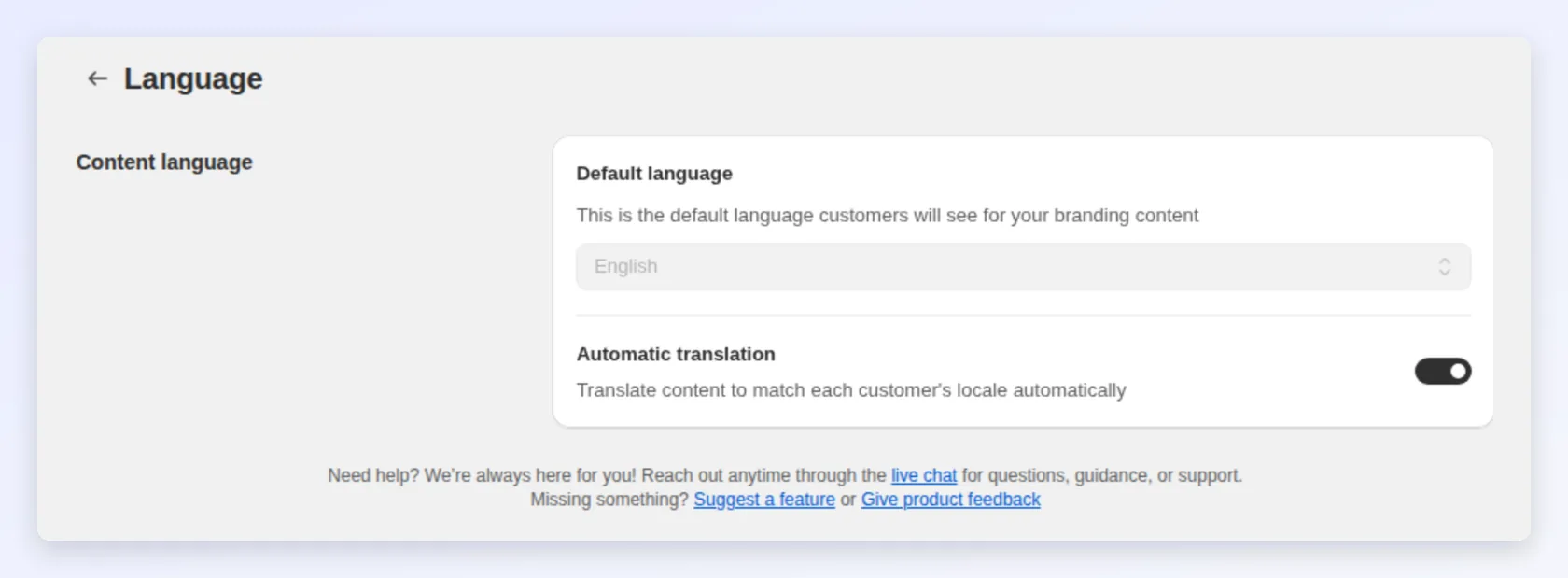
Section titled “Name, language and translation”Campaign details hold three settings worth getting right before launch:
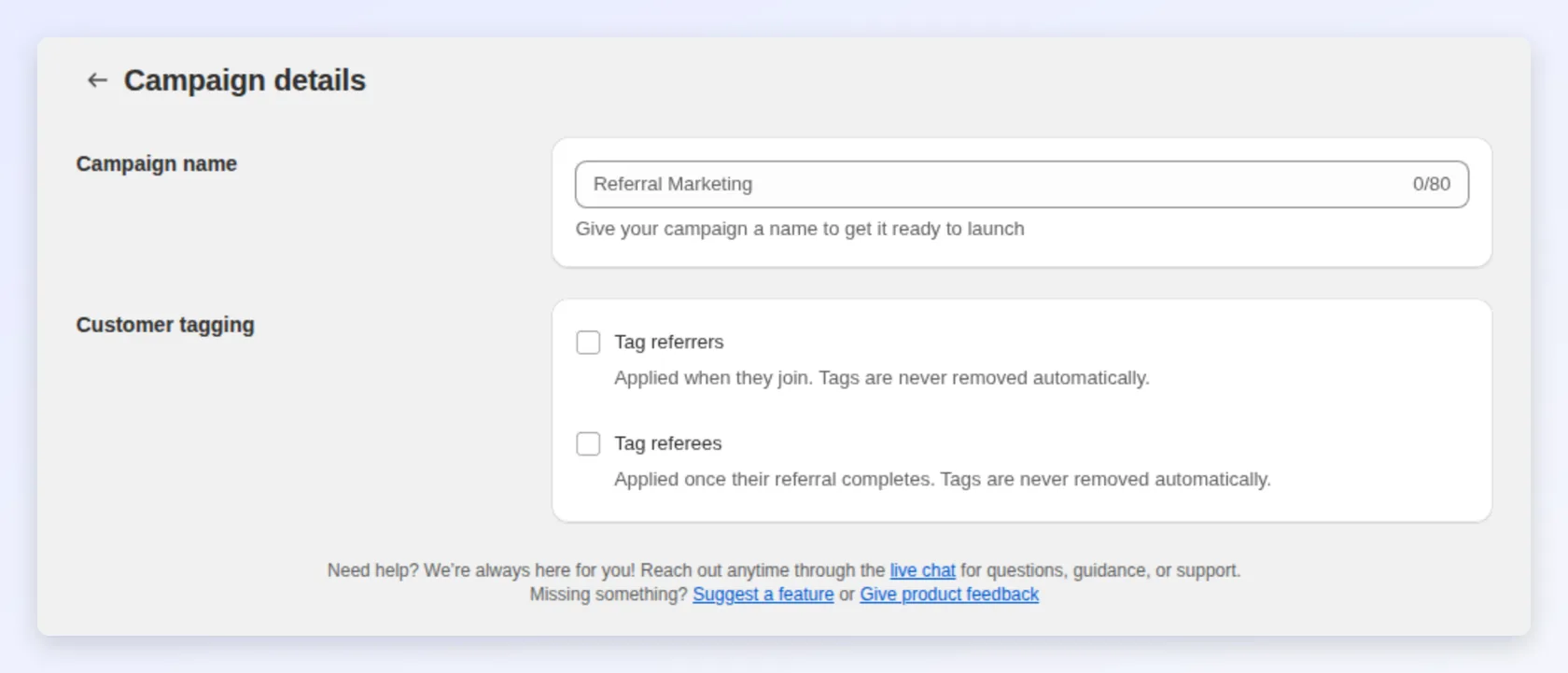
- Campaign name — shown in your admin and in the hub’s campaign selector, so name it after the audience or offer, not “Campaign 2”.
- Default language — the language your branding content is written in.
- Automatic translation — translates that content to match each customer’s locale. Leave it on unless you’ve written translations by hand.
Tag referrers and referees
Section titled “Tag referrers and referees”Bloop can tag customers in Shopify as they move through the campaign, which lets you segment and target them anywhere Shopify tags reach — email flows, discounts, other Bloop campaigns.
| Toggle | When the tag is applied |
|---|---|
| Tag referrers | When the customer joins the campaign |
| Tag referees | When their referral completes |
Up to 10 tags per side, 40 characters each. Tags are never removed automatically — if a referrer later leaves the campaign or has a reward revoked, the tag stays. Use a tag name that reads as “has done this once”, not “is currently active”.
What triggers a reward
Section titled “What triggers a reward”A referrer shares their link or code; a referee uses it and gets their reward. When the referee’s order is paid in Shopify (or fulfilled, if you chose that under Referral → Settings → Order Settings) and passes your minimum requirements and fraud checks, the referrer reward is created. Just before the reward goes out, Bloop checks the order once more: if it has been cancelled or refunded by then, the referral is rejected instead. Sharing alone never issues a reward; only a real purchase does.
When a reward is issued
Section titled “When a reward is issued”Two settings control timing: the review period (a delay in hours before approval, 0 for instant, set under Referral → Settings → Reward review period) and any minimum requirements on the order. Suspicious orders go through a separate mandatory hold regardless of these settings.
A worked example
Section titled “A worked example”Illustrative, not measured Bloop results. A subscription coffee store runs one evergreen campaign open to all customers, giving referees 25% off their first month (~$10) and the referrer $10 store credit (against ~$20 profit per referred subscriber), with both link and code on, a 0-hour review period and a 30-day code expiry. Three months in, analytics show a handful of repeat buyers driving most referrals, so they duplicate the campaign, point the copy at a VIP Shopify segment, raise the referrer reward to $20, and run both side by side.
Common mistakes to avoid
Section titled “Common mistakes to avoid”- Configuring rewards before knowing your numbers. Work out the profit on a referred order first — that’s the most expensive lever to guess at.
- Splitting into campaigns too early. Multiple campaigns split your data too. Run one until analytics tell you a group behaves differently.
- Starting narrow to “play it safe.” A tight audience or heavy minimums at launch starves the program of the data you need.
- Turning off both sharing methods. At least one of link or code must stay on, or the program stops entirely.
- Tagging with a state word.
referrer-activewill be wrong the moment someone stops referring;joined-referral-2026stays true.
Next steps
Section titled “Next steps”- Configure the two-sided rewards in Referrer and referee rewards.
- Set who can refer in Target audience.
- Prove which setup wins with A/B test your referral rewards.